Step-by-Step Guide to Booking an Apartment with SafeStays Milan


Planning a trip to Milan? Booking an apartment with SafeStays Milan is a seamless process that ensures you get the best accommodation for your needs. With a variety of options and a user-friendly platform, SafeStays Milan has made it easy for travelers to find their perfect home away from home.
Create an Account
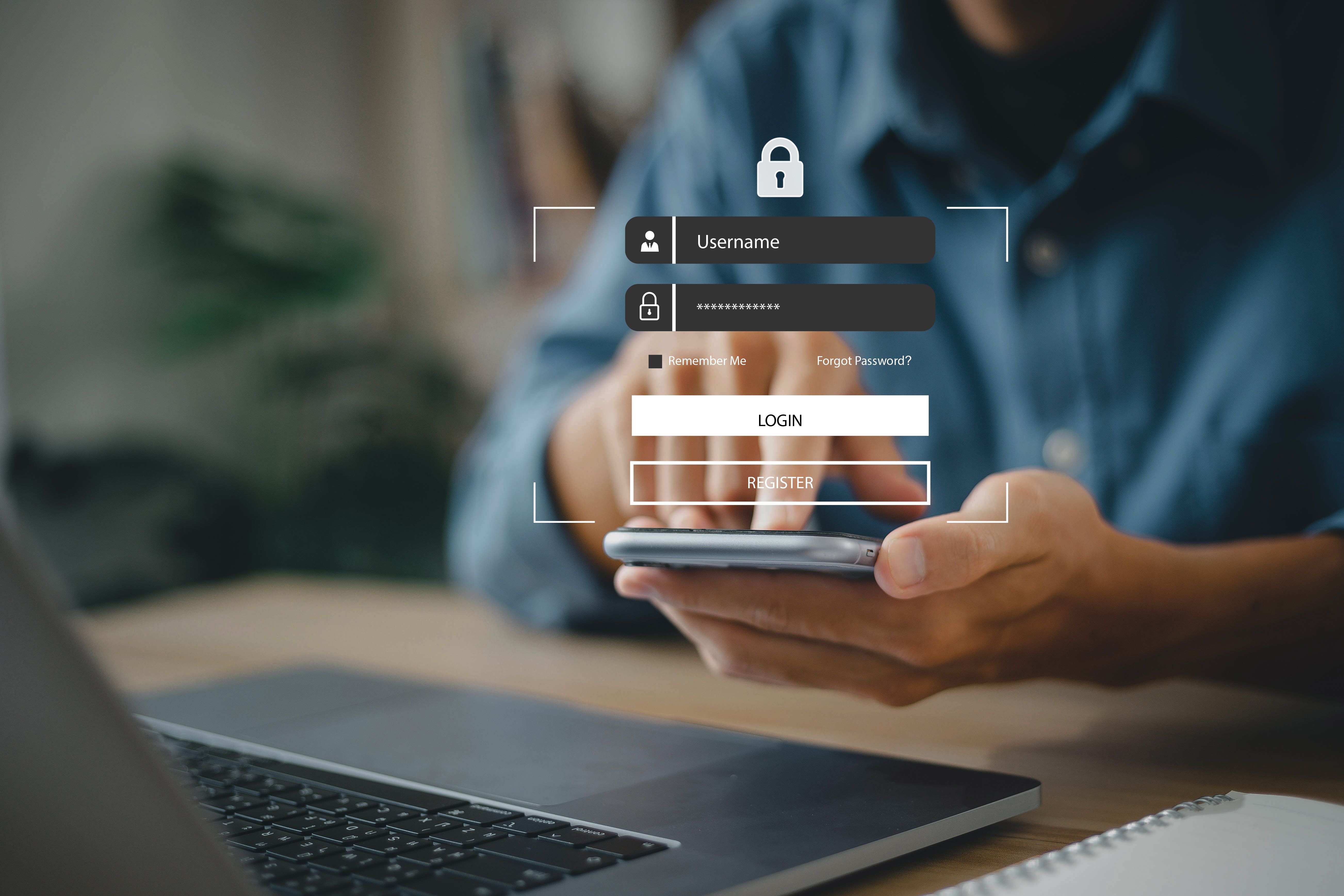
Before you can book an apartment, it’s essential to create an account on SafeStays Milan’s website. This process is quick and straightforward. Simply click on the “Sign Up” button on the homepage and fill in your details, including your name, email address, and a secure password. Once you’ve verified your email, you’re all set to start exploring.
Search for Apartments
With your account ready, it’s time to start searching for apartments. Use the search bar to enter your desired location, check-in and check-out dates, and the number of guests. SafeStays Milan provides a range of filters to refine your search, such as price range, amenities, and property type, ensuring you find the perfect match for your stay.
Utilize Filters
Filters are a great way to narrow down your options. Whether you’re looking for a pet-friendly apartment or need a space with a kitchen, make sure to utilize the filters to customize your search. This way, you can save time and find an apartment that meets all your preferences.
Review Apartment Listings
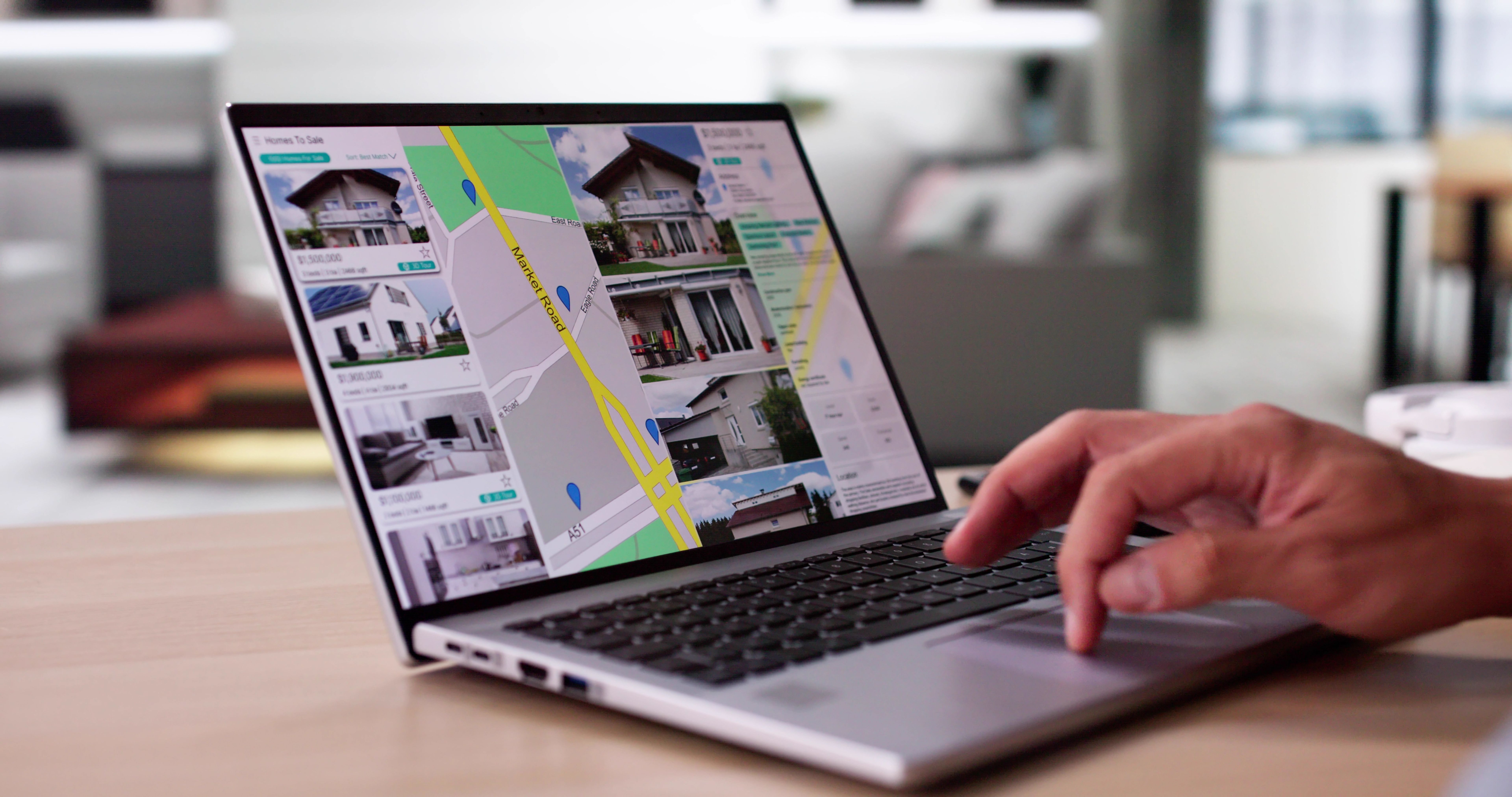
After applying your filters, browse through the listings that match your criteria. Each listing provides detailed information about the apartment, including photos, amenities, and guest reviews. Pay close attention to the reviews as they offer insights from previous guests about their experiences.
Check Availability and Pricing
Once you’ve found an apartment you’re interested in, check its availability for your selected dates. The platform will display the total cost, including any additional fees or taxes. If everything looks good, you can proceed to the next step.
Book Your Apartment
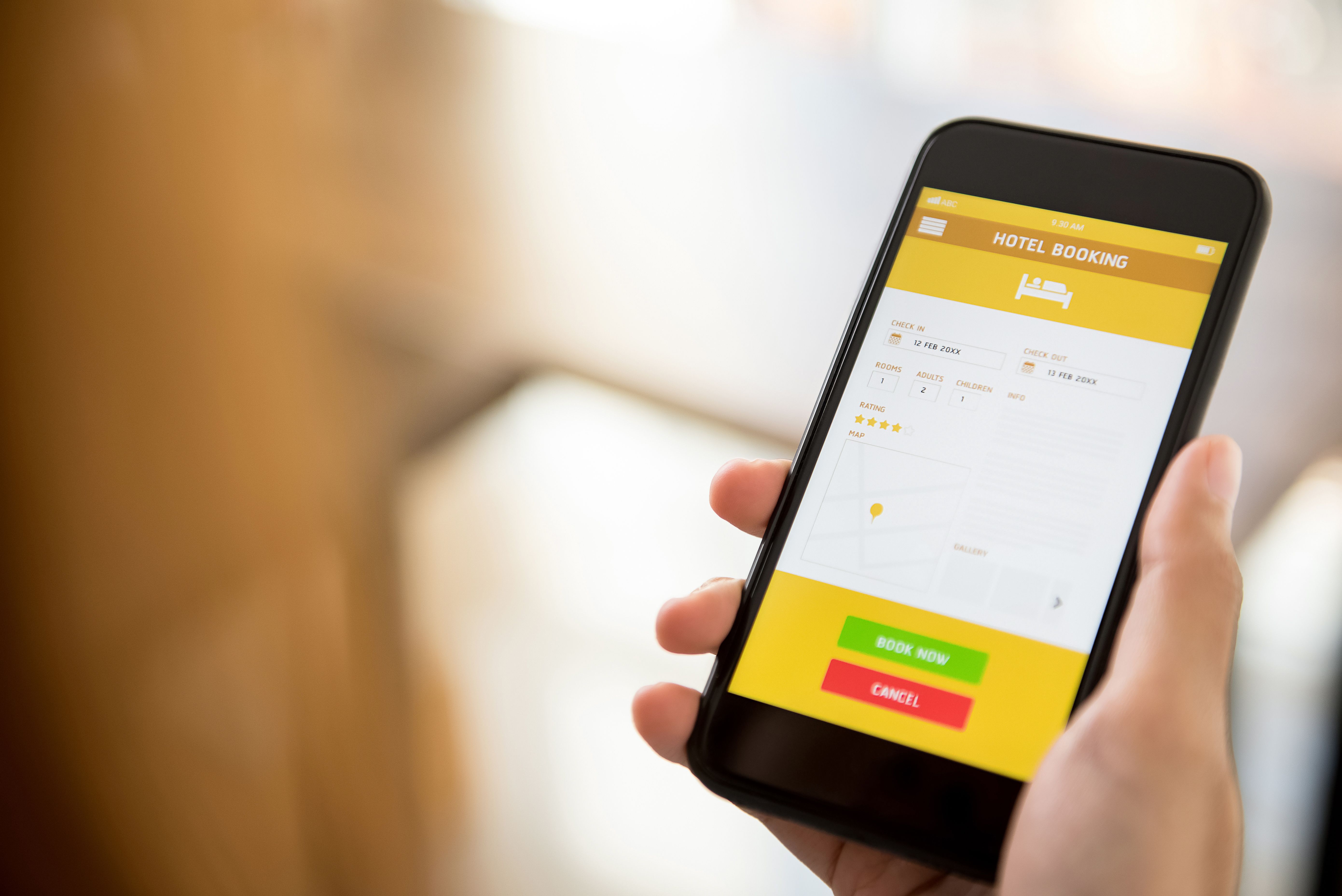
Ready to book? Click on the “Book Now” button. You’ll be prompted to enter your payment details and review your reservation. SafeStays Milan offers secure payment options to ensure your transactions are safe. Double-check all the information before confirming your booking.
Receive Confirmation
After completing your booking, you’ll receive a confirmation email with all the details of your reservation. This email will include your check-in instructions and contact information for the apartment host. Keep this information handy as you prepare for your trip.
Prepare for Your Stay
With your accommodation sorted, all that’s left is to pack your bags and enjoy your trip to Milan. If you have any questions or need further assistance, SafeStays Milan’s customer support is available to help. Have a fantastic stay!